
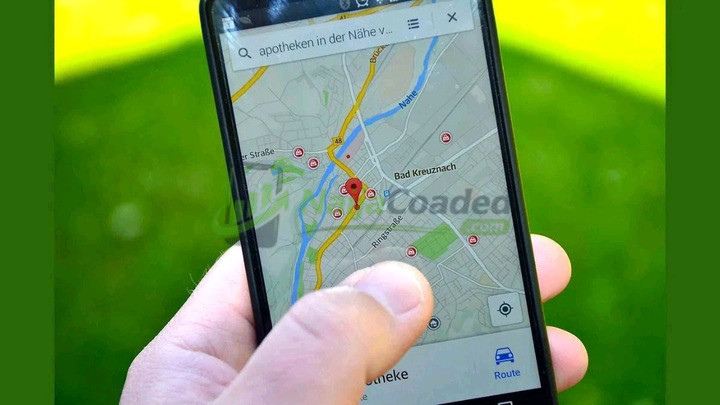
In today’s digital world, our phones are constantly connected to apps, services, and even people. While location tracking can be helpful for things like navigation or finding lost devices, it can also be misused.
If you’ve ever had a gut feeling that someone might be tracking your location without your consent, you’re not being paranoid it’s possible.
Here are a few easy steps you can take to check if your phone is being tracked...To Read The Full Content; Tap Here Now .
1. Check App Permissions – Go to your phone’s settings and review which apps have access to your location. If you see apps that don’t need that info like a calculator or game revoke the permission.
2. Look for Unfamiliar Apps – Sometimes tracking is done through hidden apps or spyware. If you notice apps you didn’t download, or ones with strange names, delete them or investigate further.
3. Use “Find My Device” or “Location Sharing” Settings On both Android and iPhone, you can check if your location is being shared with anyone. If you see unfamiliar names or devices, stop sharing immediately.
4. Battery Drain or Overheating – If your phone’s battery suddenly drains faster than usual, or the device overheats without heavy use, it could be working overtime due to background tracking.